# Alt-Eye / Third-Eye Menu
In NuLife RP, the alt menu will become your trusty companion, as it is the primary tool for all your interactions throughout your journey. Whether you're entering your apartment or checking in for medical treatment at Pillbox, the alt menu is your go-to interface.
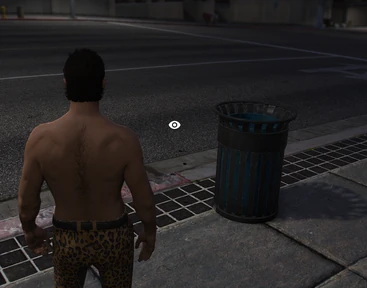
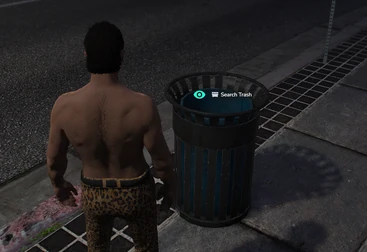
Accessing the alt menu is as simple as holding down your left alt key. As you do so, an eye will appear in the center of your screen, giving you the ability to look around and explore your surroundings. When you spot something you want to interact with, it will be highlighted in an aqua/cyan color, conveniently showing you what's available for interaction.
To select an option, click your left mouse button while continuing to hold the alt key. This allows you to navigate through the available choices and choose the one that suits your intentions.
With the alt menu at your fingertips, you'll seamlessly navigate the immersive world of NuLife RP, making your journey all the more engaging and enjoyable. \